

Call us: +86-137-2353-4866
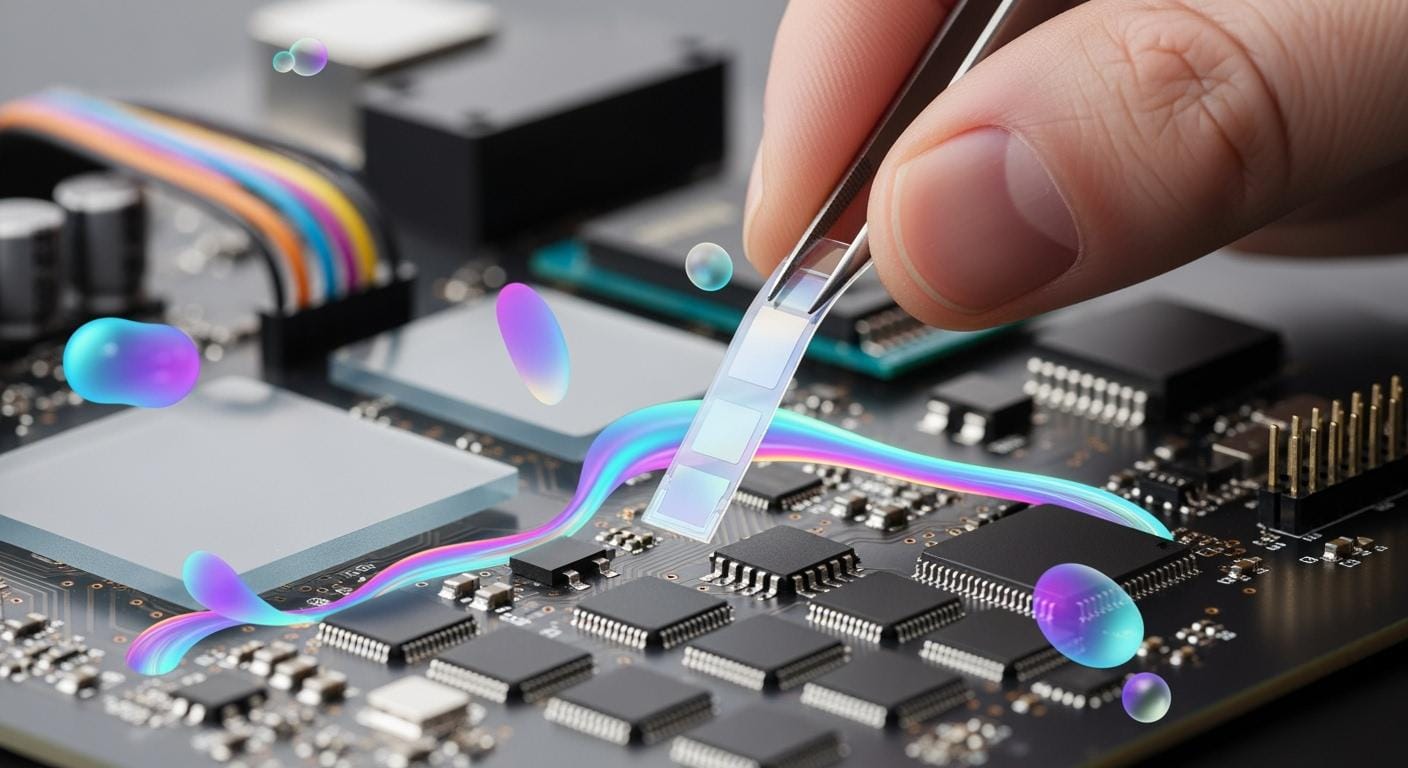

You see ultra-thin flexible force sensors changing how embedded systems work in many fields. The market is growing quickly. People use these sensors in cars, healthcare, and robots.
- More people want advanced driver assistance and electric cars.
- IoT and making things smaller help real-time force sensing and data collection.
- The market is worth 4.28 billion USD in 2024. It could reach 18.19 billion USD by 2032.
SOUSHINE makes force sensing resistor technology. It uses a flexible build and does not need much power. The table below shows how SOUSHINE FSRs compare to other sensors:
| Feature/Metric | SOUSHINE FSRs | Other Ultra-Thin Sensors |
|---|---|---|
| Construction | Flexible substrate | Varies |
| Measurement Type | Continuous resistance change | On/off signal |
| Customizability | Various shapes and sizes | Limited shapes |
| Durability | High durability | Often less durable |
| Power Consumption | Low | Often higher |
You learn about Mounting and Protecting Thin Force Sensors, which helps make force sensing work well in any use.
Table of Contents
Key Takeaways
- Ultra-thin flexible force sensors are changing many fields like cars, healthcare, and robots. They help measure force right away.
- SOUSHINE FSRs have flexible shapes. They use little power and last a long time. This makes them good for many uses.
- You need to mount sensors the right way. Use double-sided tape or screws. This keeps sensors working and safe from harm.
- It is important to protect sensors from the environment. Use covers to block water, dust, and chemicals.
- Pick the best way to connect your sensor, like I2C, voltage output, or USB. Choose what fits your project for good data sharing.
- Check and clean your sensors often. This keeps them working well and helps them last longer.
- Test sensors with weights you know to make sure they are correct. Write down your results so you can check them later.
- Use tail extenders and keep cables neat. This stops wires from breaking and makes your sensor setup work better.
Mounting and Protecting Thin Flexible Force Sensors
Sensor Construction Basics
Layer Structure
To mount and protect thin force sensors, you need to know how they are made. SOUSHINE FSRs have a bendable base called a flexible substrate. This base lets the sensor bend without breaking. A spacer sits between the base and the part that carries electricity. The spacer keeps the layers apart until you press on the sensor. When you push down, the layers touch each other. The sensor then measures how hard you press. This design lets you use these sensors in many different ways.
Operational Principle
SOUSHINE FSRs work by changing resistance when you press them. If you push on the sensor, the resistance goes down. The sensor gives you a reading that changes with the force. It does not just turn on or off. This helps you see how much force is used. You need to mount and protect the sensor so it keeps working well.
Mounting Methods
Double-Sided Tape
Double-sided tape is a good way to mount and protect thin flexible force sensors. The tape spreads out the force so it does not hurt the sensor. You do not use hard glue or other tough stuff that can make pressure spots. You stick the sensor to your device and it stays in place. The tape keeps the sensor flat and steady.
Single-Sided Tape and Glue
You can also use single-sided tape or a little glue to mount the sensor. You put tape on one side or use just a small bit of glue. This keeps the sensor from moving around. Too much glue can mess up how the sensor works. You check that the sensor is flat and does not slide.
Screw Mounting
Sometimes you need to use screws to mount the sensor. You screw the sensor onto a hard surface. You do not make the screws too tight. The sensor should stay in place but not get squished. Mounting and protecting the sensor this way helps it last longer.
Protecting from Mechanical Stress
Avoiding Shear Forces
You keep thin force sensors safe from damage by following some rules. First, you make sure the force spreads out over the whole sensor. You can use a load spreader like neoprene or polycarbonate for this. Next, you design your setup to stop sideways forces. You use strong covers to block these forces. You also use good mounting methods like double-sided tape to stop pressure points. These steps help the sensor stay safe and work well.
Bending Radius Guidelines
You follow bending rules when you mount and protect thin force sensors. Do not bend the sensor too much. Make sure the bend is smooth and not sharp. Check the sensor’s datasheet to see how much you can bend it. Do not fold or crease the sensor. Mounting and protecting the sensor right keeps it strong and bendy.
Tip: Always test your sensor after you mount it. Make sure it is flat and works when you press on it.
Environmental Protection
You protect thin force sensors from tough places. You check how SOUSHINE FSRs handle heat and wet air. You use strong covers and better designs to help the sensors last longer. You pick materials that are good for the earth and do not pollute.
| Evidence Description | Key Points |
|---|---|
| SOUSHINE’s material selection | Handles heat and wet air. Works in hospitals and factories. |
| Durability under pressure | Strong parts and design help sensors last in hard places. |
| Environmental considerations | Uses earth-friendly materials and ways to make them. Helps recycling. |
You use thin flexible force sensors in places like hospitals, factories, and outside. You keep them safe from water, dirt, and very hot or cold weather.
Environmental Protection
Moisture Barriers
You keep SOUSHINE FSRs safe from water by using moisture barriers. Water can mess up how the sensor works. You need to keep the sensor dry for good readings. You can use thin plastic or waterproof coatings. These barriers stop water from touching the sensor layers.
- Put a plastic film on top of the sensor.
- Wrap waterproof tape around the edges.
- Cover the sensor with a sealant.
Tip: Try pressing the sensor after you add a moisture barrier. Make sure it still works when you push on it.
You see moisture barriers used in medical tools and outdoor gear. These barriers help SOUSHINE FSRs work well in hospitals and factories.
Protective Sheaths
You use protective sheaths to keep SOUSHINE FSRs safe from dust and chemicals. A sheath covers the sensor and blocks things that can hurt it. You pick materials like silicone or polycarbonate for the sheath. These materials bend with the sensor and do not break.
| Sheath Material | Use Case | Benefit |
|---|---|---|
| Silicone | Medical devices | Stops dust and liquids |
| Polycarbonate | Industrial tools | Fights off chemicals |
| Neoprene | Outdoor sensors | Handles rough places |
You slide the sheath over the sensor before you mount it. Make sure the sheath fits tight but does not press too hard. Check the sensor after you add the sheath. Press it and see if it works right.
Note: Protective sheaths help SOUSHINE FSRs last longer in hard places. You use them in cars, robots, and electronics.
Electronics Mounting and Cable Management
Board Placement
Standard vs. USB Boards
You choose the right board for your project. Standard boards work well for most embedded systems. USB boards help when you need easy connections to computers or other devices. SOUSHINE FSRs fit both types. You connect the sensor to the board using header pins or soldering. You check the board’s layout before you start. This helps you avoid mistakes and keeps your setup neat.
Mounting Clearance
You leave enough space around the board. This space stops wires and sensors from getting squeezed. You make sure the board does not touch other parts. You use soft mounts or vibration filters to protect SOUSHINE FSRs from mechanical stress. These methods help the sensor last longer. You check that nothing presses on the sensor or its wires.
Tail Extenders
Reducing Strain
You use tail extenders to protect the sensor’s connection. A tail extender is a flexible strip that connects the sensor to the board. This strip takes the strain off the sensor. You stop wires from pulling or bending the sensor. You use tail extenders in places where the sensor moves or bends a lot.
Flexible Positioning
Tail extenders help you place the sensor where you need it. You move the sensor away from the board if space is tight. You keep the sensor flat and safe. You use tail extenders with flexible force sensors to reach hard spots in your device. This method helps you build systems that fit many shapes and sizes.
Tip: Always test the sensor after you add a tail extender. Press the sensor and check the readings.
Cable Routing
Strain Relief
You route cables so they do not pull on the sensor. You use clips or loops to hold cables in place. You make sure cables have slack. This slack stops cables from tugging on the sensor. You use soft mounts to reduce vibration. These steps keep SOUSHINE FSRs working well.
Secure Connections
You check that all connections are tight. Loose wires can cause problems. You use standard communication protocols to connect SOUSHINE FSRs to your board. This helps your system work with many devices and platforms. You test each connection before you finish your project.
- Reliability matters when you connect sensors.
- Compatibility with devices and platforms helps your system grow.
- Using standard protocols makes troubleshooting easier.
| Cable Management Method | Benefit |
|---|---|
| Clips and loops | Stops cable movement |
| Slack in cables | Reduces strain |
| Soft mounts | Lowers vibration impact |
You follow these steps to keep your electronics safe. You protect your sensors from stress and make your system last longer.
Electrical Integration and Force Measurement
SOUSHINE FSRs give you a way to measure force with accuracy. You can use them in many projects because they work with different boards and systems. You get continuous force measurement, not just a simple on/off signal. This helps you collect real data for your application. The sensors use very little power, so you can use them in devices that run on batteries.
Communication Interfaces
I2C, Voltage, USB Options
You can connect SOUSHINE FSRs to your system using several methods. The most common options are I2C, voltage output, and USB. Each method has its own use.
- I2C: You use I2C when you want to connect more than one sensor to a microcontroller. I2C lets you send data from many sensors using only two wires. This method works well for projects that need many points of force measurement.
- Voltage Output: You use voltage output when you want a simple setup. The sensor changes the voltage based on how much force you apply. You read this voltage with an analog input on your board. This method is easy to use and works for most basic force sensor integration tasks.
- USB: You use USB when you want to connect the sensor to a computer. USB gives you fast data transfer and easy setup. This method works well for testing or for projects that need to send data to a PC.
Tip: Choose the interface that matches your project needs. If you need to connect to a computer, use USB. If you want to keep your design simple, use voltage output.
Low-Profile Integration
SOUSHINE FSRs have a thin design. You can fit them into tight spaces. You can mount them close to your circuit board. This helps you build small devices. You do not need large connectors or bulky wires. The low-profile design makes force sensor integration easy in modern products.
Connecting to Embedded Systems
Header Pins
You can use header pins to connect the sensor to your board. Header pins give you a strong and simple connection. You push the sensor’s tail onto the pins. You make sure the pins line up with the sensor pads. This method works well for quick changes or testing.
Soldering Tips
You can solder the sensor wires to your board for a permanent connection. Use a low-heat soldering iron. Hold the wire steady while you solder. Do not use too much heat. Too much heat can damage the sensor. After soldering, check the connection by pulling gently on the wire.
Note: Always test the sensor after you connect it. Press on the sensor and check the readings.
Ensuring Signal Quality
Power Management
You need to give the sensor a stable power supply. Use a clean voltage source. Avoid power spikes. If you use batteries, check them often. Low power helps the sensor last longer and keeps your force measurement accurate.
Noise Reduction
You can reduce noise in your signal by using short wires. Keep the sensor wires away from motors or other noisy parts. You can add a small capacitor between the signal and ground. This helps filter out unwanted signals. Good noise reduction gives you better force measurement results.
| Signal Quality Tip | What It Does |
|---|---|
| Short wires | Lowers signal noise |
| Clean power supply | Keeps readings steady |
| Capacitor filter | Removes unwanted signals |
Tip: Always check your readings after you set up your system. If you see strange numbers, look for noise or power issues.
You can use these steps to make your force sensor integration strong and reliable. You get the best results when you match the right interface, use good connections, and keep your signals clean. SOUSHINE FSRs help you build better embedded systems with accurate force measurement.
Best Practices for Reliability
Strain Relief Techniques
Placement Strategies
You improve reliability by choosing the right spot for your sensor. Place the sensor where it will not get bumped or bent. Keep it away from moving parts. Use soft pads under the sensor to spread out force. Good sensor positioning helps you get better readings and keeps the sensor safe.
Using Tail Extenders
You use tail extenders to protect the sensor’s connection. A tail extender acts like a bridge between the sensor and the board. It bends easily and takes stress off the sensor wires. You can move the sensor to a better spot without pulling on the wires. This method works well in devices that move or shake.
Tip: Test the sensor after you add a tail extender. Press the sensor and check the readings to make sure everything works.
Environmental Safeguards
Moisture and Dust Protection
You keep the sensor safe from water and dust. Use a thin plastic film or waterproof tape to cover the sensor. Seal the edges so nothing gets inside. Dust can block the sensor and water can change the readings. You check the cover often to make sure it stays in place.
Enclosures
You put the sensor in a box or case to protect it from the outside world. Use a case made of strong plastic or metal. Make sure the case fits tight but does not press on the sensor. A good enclosure keeps out dirt, water, and bumps. You can use clear cases if you need to see the sensor.
Note: You use enclosures in cars, robots, and medical devices to keep sensors working longer.
Maintenance Tips
Inspection
You check the sensor often to catch problems early. Look for cracks, loose wires, or dirt on the sensor. Test the sensor by pressing it and watching the readings. Regular inspection helps you find issues before they cause trouble.
Cleaning
You clean the sensor with a soft cloth. Do not use water or strong cleaners. Wipe off dust and dirt gently. If you see sticky stuff, use a dry brush. Clean sensors give you better data and last longer.
| Reliability Issue | Prevention Method |
|---|---|
| Accuracy | Regular calibration |
| Range | Careful selection based on environment |
| Durability | Regular checks and maintenance |
| Integration challenges | Proper system design and testing |
You see that regular checks and cleaning help prevent most problems. Calibration keeps your readings correct. Picking the right sensor for your environment stops range issues. Good system design makes integration easy.
Tip: Set a schedule for inspection and cleaning. Write down the results so you can track changes over time.
Applications and Product Selection
Industry Use Cases
SOUSHINE FSRs are used in many different industries. These sensors help solve problems in cars, hospitals, robots, and electronics. They measure force and pressure right away. The table below shows how SOUSHINE FSRs are used in each field:
| Industry | Use Cases |
|---|---|
| Automotive | Sensors for airbags, door seals, car seats, battery packs, and assembly lines. |
| Healthcare | Gloves for tracking movement, smart clothing, surgery tools, and drug delivery devices. |
| Robotics | Robots for remote surgery, wearable robots, rehab tools, and prosthetic limbs. |
| Consumer Electronics | Touchpads, game controllers, and drum kits that use force-sensitive resistors. |
In cars, SOUSHINE FSRs check seat pressure and battery packs. In hospitals, they track movement with gloves and help control medicine delivery. Robots use these sensors to feel touch and move. At home, you find them in game controllers and touchpads.
Choosing SOUSHINE FSRs
Key Features
You want sensors that give you correct readings. SOUSHINE FSRs have multi-element pressure sensors and smart chips. These features help you get fast results. You see steady readings even if the sensor moves or gets hot or cold. The table below shows what SOUSHINE FSRs can do:
| Feature | Benefit |
|---|---|
| Multi-element pressure sensor | Gives correct readings right away |
| Smart chip integration | Works well when moving or with temperature changes |
| Clinical accuracy | Results match those from standard monitors |
SOUSHINE FSRs are used in robots and healthcare tools because they measure force very well. You get results that are as good as standard monitors.
Customization Options
You need sensors that fit your project. SOUSHINE has flexible force sensors in many shapes and sizes. You can pick single-point or multi-point types. You connect them to control systems like PLCs or microcontrollers. You can measure small or large forces. The table below shows your choices:
| Customization Option | Description |
|---|---|
| Modular and Customizable Design | Flexible sensors come in single-point or multi-point types, made for your special project. |
| Easy Integration | Connects easily to control systems like PLCs or microcontrollers, with both analog and digital output. |
| Accurate Force Measurement | Measures a wide range of forces, from a few grams to hundreds of newtons, with steady results. |
Pick the sensor that fits your needs best. Use modular designs for big or tricky systems. Connect sensors easily to your boards. Measure force with good accuracy and trust the results.
Tip: Try out different sensor shapes and sizes before picking one for your project. You get better results when the sensor matches your needs.
Troubleshooting and Optimization
Common Issues
Sensitivity Loss
Sometimes your SOUSHINE FSR does not work as well. Sensitivity loss can happen for different reasons. You can fix most problems by doing these things:
- Look at all wires and terminal blocks. Check for loose or rusty spots. Make sure connections are tight or change them if needed.
- See if there is water near the sensor. Dry the area and close any holes to keep water out.
- Check if the sensor is in the right temperature range. Add insulation or let air move better if needed.
- Use a multimeter to test each wire. Change wires that do not work.
- If nothing helps, get a new SOUSHINE FSR.
Things like heat, wet air, shaking, and electrical noise can change how your sensor works. Try to control these things as much as you can.
Connection Problems
Loose wires or bad connections can make your sensor stop working. You can fix connection problems by:
- Checking every wire for damage.
- Making sure plugs and sockets fit tight.
- Using strain relief so wires do not pull on the sensor.
- Testing connections with a multimeter.
Always check connections before you start a new project or after you move your device.
Performance Optimization
Calibration
You need to calibrate your SOUSHINE FSR to get good force readings. Calibration has a few steps:
- Clean your workspace. Remove dust and keep it dry.
- Set the sensor to zero before you start.
- Put known weights on the sensor and write down the readings.
- Do each measurement a few times and find the average.
- Write down all calibration data for later checks.
Calibrate the sensor in the same place where you will use it. This helps you get the best results.
| Essential Documentation Practices | Description |
|---|---|
| Identification of Equipment | Serial number, model, and more |
| Calibration Dates | Date of calibration and next date |
| Calibration Procedure | Steps used for calibration |
| Calibration Results | Results before and after changes |
| Technician Signature | Signature or proof from the technician |
| Reference Standards | Standards used for calibration |
Data Accuracy
You can make data accuracy better by doing a few easy things:
- Test the sensor with weights you know.
- Look at old calibration records.
- Read the manufacturer’s instructions.
- Ask for help if you cannot fix a problem.
The Lean Six Sigma method helps you get the same results every time. You can use the DMAIC cycle to make sensor sensitivity steady and improve reliability.
Always keep records of your calibration and test results. This helps you find problems early and keep your SOUSHINE FSR working well.
You can use SOUSHINE ultra-thin force sensors by doing a few main things. First, make sure the sensor is mounted tightly. Do not let cables get pulled or stretched. Keep the sensor safe from water and do not bend it too much. Use hardware that works well with the sensor and watch the readings. Calibrate the sensor with special machines or by using your system’s tools. Check and clean the sensor often to keep it working well.
Tip: Pick easy designs and write down what you do. This helps you stop mistakes. SOUSHINE FSRs help you measure force in hospitals, cars, and robots.
| Mistake | How to Avoid |
|---|---|
| Making the system too hard | Pick easy designs |
| Using the wrong parts | Use hardware that matches |
FAQ
How do you mount SOUSHINE FSRs in small devices?
You use double-sided tape or glue for mounting. You keep the sensor flat. You avoid sharp bends. You check the sensor after mounting to make sure it works.
Can you use SOUSHINE FSRs outdoors?
You protect the sensor with moisture barriers and sheaths. You seal the edges. You check the sensor often. You use SOUSHINE FSRs in outdoor gear and tools.
What boards work with SOUSHINE FSRs?
You connect SOUSHINE FSRs to standard boards and USB boards. You use header pins or soldering. You check the board layout before connecting.
How do you keep cables from pulling on the sensor?
You use tail extenders and clips. You add slack to cables. You test the sensor after routing cables. You keep wires away from moving parts.
How do you get accurate force readings?
You calibrate the sensor with known weights. You record the readings. You check the sensor often. You follow the manufacturer’s instructions.
What should you do if the sensor stops working?
You check wires and connections. You look for water or dirt. You test with a multimeter. You replace the sensor if needed.
Can you clean SOUSHINE FSRs?
You use a soft cloth or dry brush. You avoid water and strong cleaners. You clean the sensor gently. You check readings after cleaning.
How do you choose the right SOUSHINE FSR for your project?
You look at the force range and size. You pick single-point or multi-point types. You match the sensor to your board. You test different shapes before deciding.