
Call us: +86-137-2353-4866
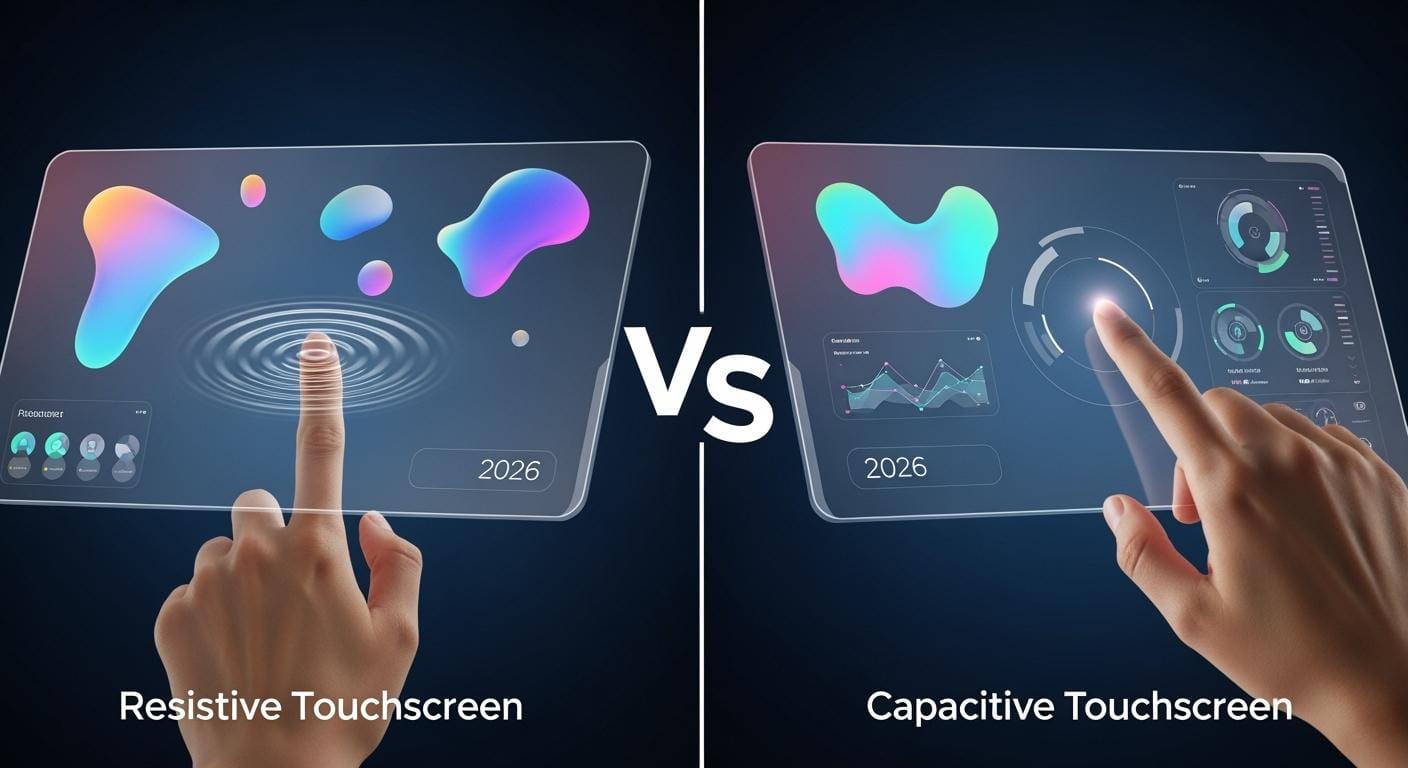

If you want a great touch screen in 2025, pick capacitive touch panels. More than 70% of people around the world choose capacitive screens. These screens respond quickly and allow for multi-touch functionality, enabling you to use more than one finger at a time. SOUSHINE’s advanced PCAP technology provides a modern touchscreen experience that feels natural and looks clear. Some individuals, such as those working in factories or outdoor environments, may prefer resistive touchscreens. These are ideal for tough jobs or when wearing gloves. The best choice between resistive touchscreen vs capacitive touchscreen depends on your specific needs. This guide helps you select the right touch panels for your requirements.
- Most people favor capacitive touchscreens because:
- They are very sensitive
- They have an attractive design
- You can use multiple fingers simultaneously
Table of Contents
Key Takeaways
- More than 70% of people like capacitive touchscreens. They are fast and can sense more than one touch at once.
- Resistive touchscreens are good for rough places. You can use them with gloves or a stylus.
- Capacitive screens are clearer and last longer. They are good for things like phones and medical tools.
- Resistive screens cost less at first. But you might need to replace them more often.
- Think about where you will use it. Resistive screens are good outside. Capacitive screens work best inside.
- SOUSHINE’s PCAP technology makes touch more sensitive and correct. It is a good pick for many uses.
- When picking a touchscreen, think about your money, how you will use it, and if you need more than one touch at a time.
- For easy jobs and saving money, resistive screens are a smart choice. Capacitive screens give a better and fancier feel.
Resistive Touchscreen vs Capacitive Touchscreen: Comparison
Key Differences
When you look at resistive touchscreen vs capacitive touchscreen, you can spot some big differences. Each touchscreen type has its own strong points for different uses. Here are the main features compared:
| Feature | Resistive Touchscreens | Capacitive Touchscreens |
|---|---|---|
| Responsiveness | 20-50 milliseconds response time | 10-20 milliseconds response time |
| Durability | More frequent replacements due to wear | Longer service life, scratch-resistant |
| Cost | Lower initial purchase costs | Higher initial costs but lower maintenance |
| Input Method | Finger, glove, stylus | Bare finger, glove, conductive stylus |
| Multi-Touch | No | Yes |
| Clarity | Lower | Higher |
| Glove/Stylus Use | Works with any stylus or glove | Needs conductive stylus or special gloves |
Capacitive touchscreens react faster and last longer. You can use more than one finger at once. This lets you pinch, zoom, and swipe easily. Resistive touchscreens work with any glove or stylus. That makes them good for tough jobs.
You might think about price. Resistive touchscreen vs capacitive touchscreen shows resistive screens cost less at first. Capacitive screens cost more, but you spend less on fixing them later.
SOUSHINE’s PCAP touchscreens are great for modern uses. These touch displays use smart technology to sense even a light touch. You get high sensitivity and accuracy. Your gestures feel smooth and easy. The strong cover glass keeps away scratches and damage. You can trust these touch displays in busy places. SOUSHINE’s touch panels let you use complex multi-touch moves. They are perfect for kiosks, industrial controls, and healthcare devices.
Tip: If you want a touchscreen that looks clear and feels smooth, SOUSHINE’s PCAP touchscreens give you a top experience for work and fun.
Best Use Cases
Picking between resistive touchscreen vs capacitive touchscreen depends on where you use your touch displays. Here is a quick guide to help you choose:
- Capacitive Touchscreens
- Good for smartphones, tablets, and electronics.
- Great for business computers and kiosks.
- Best for medical computers needing clear images.
- Perfect for places needing multi-touch and sharp graphics.
- Resistive Touchscreens
- Useful in factories and tough machines.
- Handy for outdoor devices when wearing gloves.
- Good for patient check-in computers and simple sales systems.
- Smart for budget projects needing basic input.
Let’s see how different industries use these touchscreen types:
| Industry | Capacitive Touchscreens Use Cases | Resistive Touchscreens Use Cases |
|---|---|---|
| Industrial | Panel PCs for accuracy and clarity | Control screens on machines prone to damage |
| Healthcare | Medical computers for sharp images | Patient check-in computers |
| Enterprise | Business computers for flexibility and tools | POS systems in low-demand roles |
Different touchscreen types fit different jobs. Capacitive screens are best for speed, clear images, and multi-touch. Resistive screens work well with gloves, styluses, or in rough places.
SOUSHINE’s PCAP touchscreens give extra benefits for your projects. You get great sensitivity, strong durability, and advanced multi-touch support. These touch displays work well in automation, healthcare, and retail kiosks. If you want reliable touchscreen technologies for your next device, SOUSHINE’s touch panels give you a smooth and steady experience.
Touchscreen Applications by Use Case
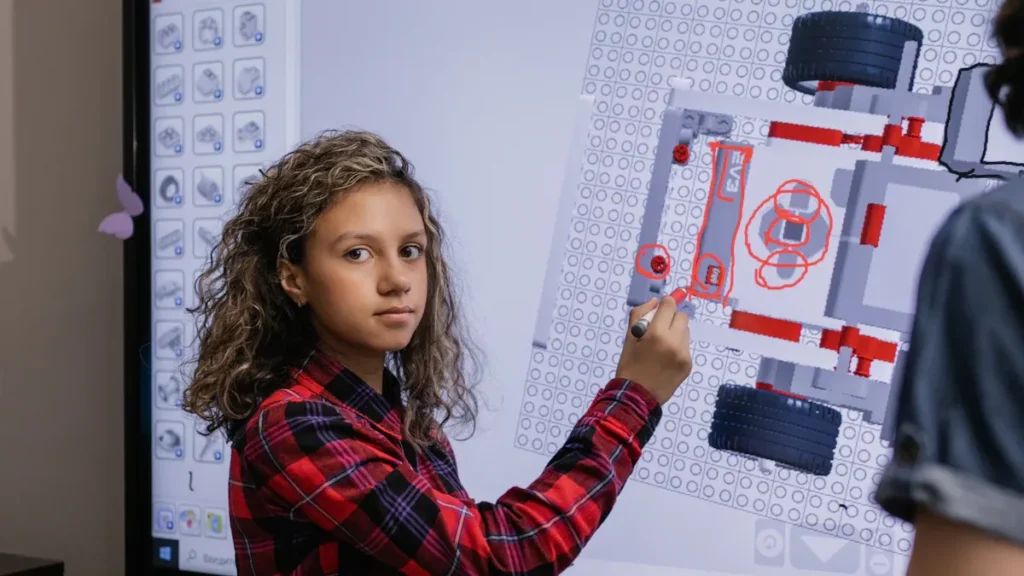
Consumer Touchscreen Use
Phones and Tablets
People use phones and tablets every day. They want screens that feel smooth and react fast. Capacitive technology is used in these devices. It lets you tap, swipe, and pinch easily. These screens are very accurate and thin. They fit in your pocket or bag. Multi-touch makes games, browsing, and chatting easy. Using these screens feels fun and natural.
- Most phones and tablets use capacitive screens.
- These screens are great for gestures and quick actions.
- You see clear pictures and bright colors.
Laptops and 2-in-1s
Laptops and 2-in-1s need touchscreens that support multi-touch. They should look sharp too. Capacitive panels give you this. You can zoom, scroll, and draw with your fingers. Every tap makes the experience better. These screens stay clean and resist scratches. Your device looks new for a long time.
- Capacitive touchscreens look modern and stylish.
- They respond quickly and show bright images.
- Multi-touch helps you use creative apps and tools.
SOUSHINE Touch Panels for Consumers
SOUSHINE’s touch panels use advanced PCAP technology. Your device responds right away and supports many gestures. The screen works smoothly and looks clear. Strong glass keeps it safe from scratches. SOUSHINE panels are tough and clear. They are great for phones, tablets, and laptops.
Tip: If you want a strong and nice device, pick SOUSHINE’s touch panels for your next upgrade.
Industrial Touchscreen Applications
Manufacturing and Factories
Factories need touchscreens that work in hard places. You might wear gloves or deal with dust and water. Resistive technology works well here. It responds to pressure from anything. You can use gloves or a stylus. These screens handle rough use and keep working when things get dirty.
- Resistive touchscreens are good for tough places.
- They work well with gloves and tools.
- Devices often block dust and water.
Kiosks and ATMs
Kiosks and ATMs need touchscreens that last and stay accurate. Capacitive panels work best indoors. They respond fast and show clear images. In outdoor or busy places, resistive screens are better. They handle lots of use and work with gloves. You want a screen that feels safe and easy.
- Use capacitive for indoor kiosks with sharp images.
- Pick resistive for outdoor ATMs or busy spots.
Medical Devices
Medical devices need touchscreens that are easy to clean and work well. Capacitive panels show clear images and respond fast. This helps doctors and nurses work quickly. Sometimes, resistive screens are used. They work with gloves and styluses, which keeps things clean.
- Capacitive screens show clear medical images.
- Resistive screens work with gloves for safety.
SOUSHINE Industrial Solutions
SOUSHINE’s industrial touch panels are made for factories, kiosks, and medical devices. The screens are tough and resist scratches. They block dust and water. The user experience stays smooth, even in hard places. SOUSHINE panels work with gloves and keep working in messy spots. You can trust these panels to keep your work going.
Note: SOUSHINE’s industrial panels are strong and use smart technology. They work well in any place.
Outdoor and Gloved Touch Technology
Weather Resistance
Outdoor touchscreens face rain, dust, and sun. You need a screen that works in all weather. SOUSHINE panels use strong glass and seals to block water and dirt. High IP ratings keep your device safe outside. The screen works well, even when the weather changes.
- SOUSHINE touchscreens resist scratches and water.
- Devices work in kitchens, outdoor kiosks, and labs.
Glove and Stylus Support
If you wear gloves or use a stylus, you want a screen that always works. Resistive screens let you use any glove or tool. Capacitive screens need special gloves or styluses. SOUSHINE has panels for both types. You get the choice you need.
- Resistive touchscreens work with any glove or stylus.
- Capacitive touchscreens need special input but look clearer.
SOUSHINE Outdoor Options
SOUSHINE’s outdoor touch panels work in hot, cold, and sunny places. The screen stays easy to read and accurate. You can trust it in construction, security, or building systems. SOUSHINE panels fit many uses, like elevator controls and access points.
| Application Area | Description |
|---|---|
| Construction | Strong panels for machines and portable devices. |
| Building Systems | Custom panels for automation and security. |
| Access Control & Security | Touchscreens for entry and safety. |
| Elevator Control Panels | Tough screens with a modern look. |
Tip: For outdoor use, pick SOUSHINE panels with high IP ratings and strong glass. Your device will work well in any weather.
Budget Touchscreen Choices
Cost Comparison
You want a touchscreen that does not cost too much. Let’s see how resistive and capacitive touchscreens compare in price:
- Resistive touchscreens are cheaper at first. You save money if you pick them for easy jobs.
- These screens work with gloves and styluses. You do not need to buy extra tools.
- Capacitive touchscreens cost more money. You pay extra for fast response and multi-touch.
- If you need a screen for simple or rough use, resistive touchscreens help you spend less.
Here is a table to show the cost differences:
| Touchscreen Type | Upfront Cost | Input Flexibility | Maintenance Cost | Best For |
|---|---|---|---|---|
| Resistive | Low | High | Moderate | Budget, rugged use |
| Capacitive | Higher | Moderate | Low | Premium, multi-touch |
Value for Money
You want the most for your money. Resistive touchscreens work well and cost less. They are good if you need to use gloves or a stylus. You do not have to buy special tools for input. If you own a small business or need a simple kiosk, resistive screens help your money go further.
Capacitive touchscreens have more features. They react fast and let you use more than one finger. These screens look clear and feel smooth. If you want a fancy screen and plan to use gestures, capacitive touchscreens give you more for your money.
- Resistive screens are best for simple jobs and tough places.
- Capacitive screens are best when you want speed and clear images.
Tip: If you want a touchscreen for easy jobs and want to save money, resistive screens are a good choice. If you want the best look and fast use, capacitive screens are worth the higher price.
SOUSHINE Budget Picks
SOUSHINE has touch panels for every budget. You can pick a resistive panel if you want to save money. These panels work well in factories, outdoor kiosks, and places where you use gloves or a stylus. SOUSHINE’s resistive panels are made to last, so you get good use for less money.
If you want more features, SOUSHINE’s capacitive panels use new technology. You get smooth moves, sharp pictures, and strong glass. Even though they cost more, these panels last longer and need less fixing.
- SOUSHINE’s resistive panels help you save money and finish your work.
- SOUSHINE’s capacitive panels give you top quality and a modern look.
You can trust SOUSHINE to give you touch panels that fit your budget and needs. Whether you want simple screens or advanced ones, SOUSHINE has what you need.
Touch Technology: Pros and Cons
When you look at touch technology, you want to know what is best for you. Let’s talk about the good and bad sides of capacitive and resistive touchscreens. This helps you choose the right touch input for your project.
Capacitive Touchscreen Pros & Cons
Advantages
- You get very sensitive touch input. Even a soft tap or swipe works fast.
- Capacitive screens let you use many fingers at once. You can pinch and zoom with gestures.
- These screens are accurate. Apps and games run smoothly.
- The glass surface does not scratch or crack easily. Your device stays clean and clear.
- You see bright and sharp images. The display looks good in any light.
- SOUSHINE’s PCAP touch technology makes things even better. You get quick response, many touch points, and a modern look.
- Capacitive panels need less fixing over time. You save money later.
Tip: If you want a screen that feels smooth and reacts fast, capacitive touch technology is a great choice.
Disadvantages
- Capacitive touch input can have trouble in wet places. Moisture can make the screen act up.
- You need to use your bare finger or a special stylus. Regular gloves do not work unless the panel is made for gloves.
- These screens cost more at first than resistive ones.
Here is a table to show the main points:
| Aspect | Pros | Cons |
|---|---|---|
| Sensitivity | Very responsive, smooth user experience | Sensitive to moisture and humidity |
| Durability | Scratch-resistant, long-lasting | Less durable in extreme conditions |
| Environmental Resistance | Can handle some water and dust | May become unresponsive in damp environments |
Resistive Touchscreen Pros & Cons
Advantages
- Resistive touch technology works with any touch. You can use gloves, a stylus, or even a pen cap.
- These screens work well in tough places. Dust, water, and heat do not stop them.
- You get steady performance in factories, outside, or anywhere you need strong devices.
- Resistive panels cost less at first. They are good for budget projects.
- You can trust the accuracy for simple jobs. Many machines use this touch technology.
Disadvantages
- You only get single-point touch input. No multi-point or fancy gestures.
- The display may look less clear. Extra layers can make it less bright and sharp.
- Pressing the screen a lot can wear it out. You might need to replace it sooner.
- The accuracy is good but not as high as capacitive screens. You may notice a small difference.
Here is a table to show the main points:
| Advantages | Disadvantages |
|---|---|
| Works with gloves, styluses, or any object | Lower optical clarity and brightness |
| Reliable in dusty, moist, and hot places | Only single-point touch, no simultaneous touch points |
| Low power use, good for battery devices | Surface can wear out with heavy use |
| Affordable for budget projects |
Note: If you need a screen for hard jobs or outdoor use, resistive touch technology gives you flexibility and dependability.
Now you know how each touch technology works. Think about what you need for touch input, accuracy, and using more than one finger before you choose.
Touchscreen Decision Guide
Step-by-Step Checklist
Are you ready to choose a touchscreen? Use this easy checklist to help you decide:
- How will you use the device?
Will you need gloves or a stylus? If you do, resistive screens are best. - Where will you use the device?
Will you use it outside, in dusty spots, or near water? Resistive screens work well in tough places. Capacitive screens are better indoors. - What tasks will you do?
Do you need high accuracy for drawing or medical work? Capacitive screens give better accuracy and let you use more than one finger. - Who will use the device?
Will people need training? Capacitive screens feel easy and natural for most users. - What is your budget?
Do you want to spend less at first or save money later? Resistive screens cost less at first. Capacitive screens last longer and need less fixing. - How many touches will the screen handle?
Do you need to use more than one finger or just tap? Capacitive screens let you use multi-touch. Resistive screens are good for single taps.
Tip: Answering these questions helps you pick the right screen fast.
Choosing by Priority (Precision, Durability, Cost, Environment)
You want the best touchscreen for your needs. Let’s see what matters most:
- Precision
If you need high accuracy, like for art or medical images, pick capacitive screens. They react quickly and let you use gestures. - Durability
For factories or outdoor use, pick a screen that can handle dust, water, and rough use. Resistive screens are good for hard places. SOUSHINE panels have strong glass and high IP ratings for extra safety. - Cost
If you want to save money, resistive screens are a good choice for simple jobs. For better features and performance, capacitive screens are worth the extra cost. - Environment
Will you use the device outside or in wet places? Resistive screens keep working in tough spots. Capacitive screens need more care but look clearer inside.
Here’s a table to help you match what you need:
| Priority | Best Choice | Why |
|---|---|---|
| Precision | Capacitive | Accurate, supports multi-touch |
| Durability | Resistive | Handles rough use, works with gloves |
| Cost | Resistive | Lower upfront cost |
| Environment | Resistive/Capacitive | Choose based on location |
SOUSHINE Expert Tips
SOUSHINE wants you to get the best from your touchscreen. Here are some tips:
- Know what your project needs before you pick a panel.
- Try your touchscreen in real life. Make sure it works with gloves, styluses, or fingers.
- Think about where you will use the device. Outdoor screens need to block water and dust.
- Pick the right panel for your job. SOUSHINE has both resistive and capacitive panels for every use.
- Make sure your touchscreen fits how people will use it. If you need multi-touch or high accuracy, SOUSHINE’s PCAP panels work great.
Note: SOUSHINE’s team can help you pick the best panel for home, work, or outdoor use. You get good technology and expert help.
| Application Type | Recommended Technology | Key Features |
|---|---|---|
| Consumer | Projected Capacitive (PCAP) | Fast response, multi-touch, clear images |
| Industrial | Resistive or Infrared | Works with gloves, dust, water; tough places |
If you follow these tips, you will find a touchscreen that fits your needs and works well anywhere.
Capacitive touchscreens are the most popular in 2026. They grow fast in phones, healthcare, and machines. Many devices now have new features and use green materials. SOUSHINE’s PCAP touch panels are clear, quick, and strong. Use the decision guide to pick what fits your budget or needs. You can find a screen for home or work at SOUSHINE. If you have questions, write a comment below. Let’s chat about your project!
FAQ
What is the main difference between resistive and capacitive touchscreens?
Resistive screens work when you press with anything. Capacitive screens need your finger or a special stylus. Capacitive screens let you use more than one finger. They also look clearer.
Can I use gloves with a capacitive touchscreen?
Most capacitive screens need special gloves. Regular gloves do not work on them. Some SOUSHINE panels let you use gloves, but only certain ones.
Which touchscreen lasts longer?
Capacitive touchscreens last longer than resistive ones. Their glass is strong and does not scratch easily. You will not need to fix them as much.
Are resistive touchscreens good for outdoor use?
Yes, resistive screens are good for outside. They work in rain and dust. You can use them with gloves in bad weather.
Do capacitive touchscreens support multi-touch?
Yes! Capacitive screens let you use more than one finger. You can pinch, zoom, and swipe easily.
How do I clean my SOUSHINE touch panel?
Use a soft, wet cloth to wipe the screen. Do not use strong cleaners. SOUSHINE panels have tough glass that is easy to clean.
Which touchscreen is better for drawing or art?
Capacitive touchscreens are better for drawing. They are more accurate and respond quickly. Artists like using them for smooth lines.
Can I install SOUSHINE touch panels myself?
Yes, you can install SOUSHINE panels by yourself. They come with clear steps to help you set up your device fast.